
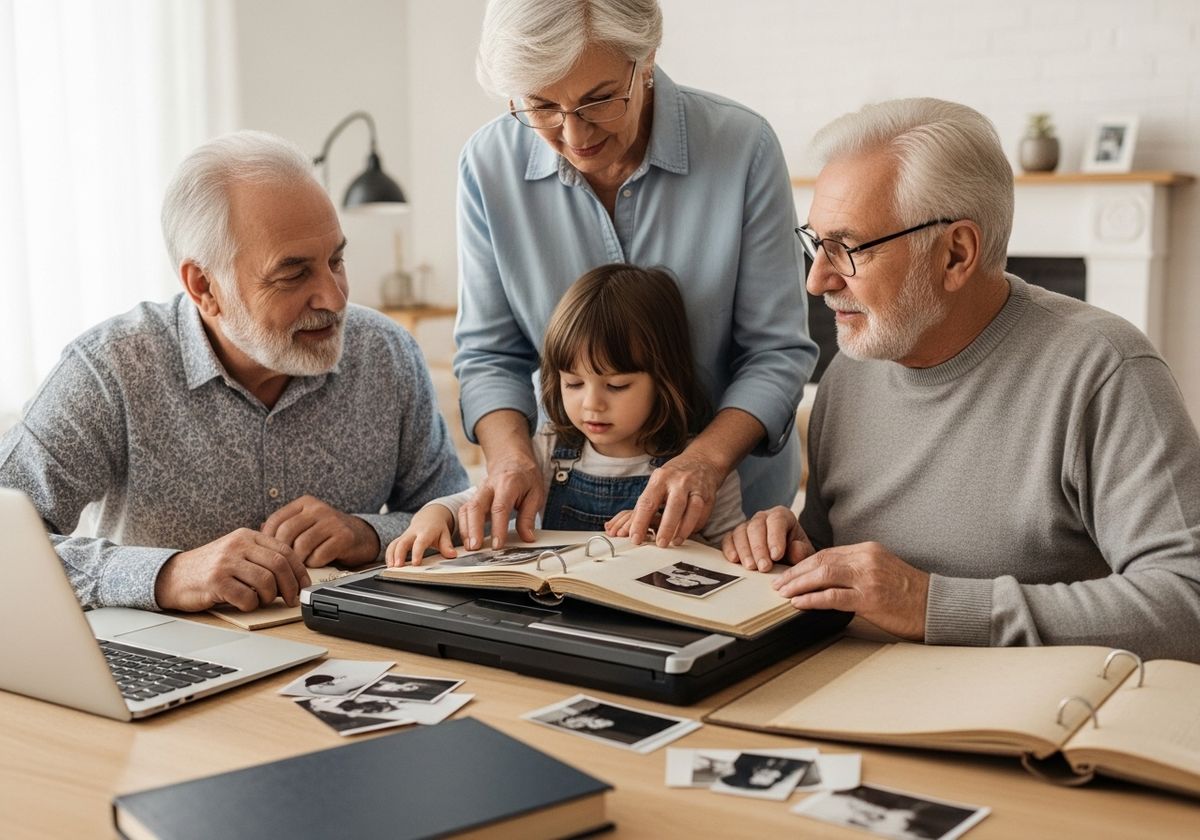
In today's digital age, preserving cherished memories has never been more accessible or important. The scent of old photo albums might evoke nostalgia, but the ravages of time can threaten these precious collections. Digitizing them not only safeguards them against physical degradation but also opens up new avenues for sharing and memorializing loved ones. Here's how to transform those fading albums into a vibrant, lasting tribute.
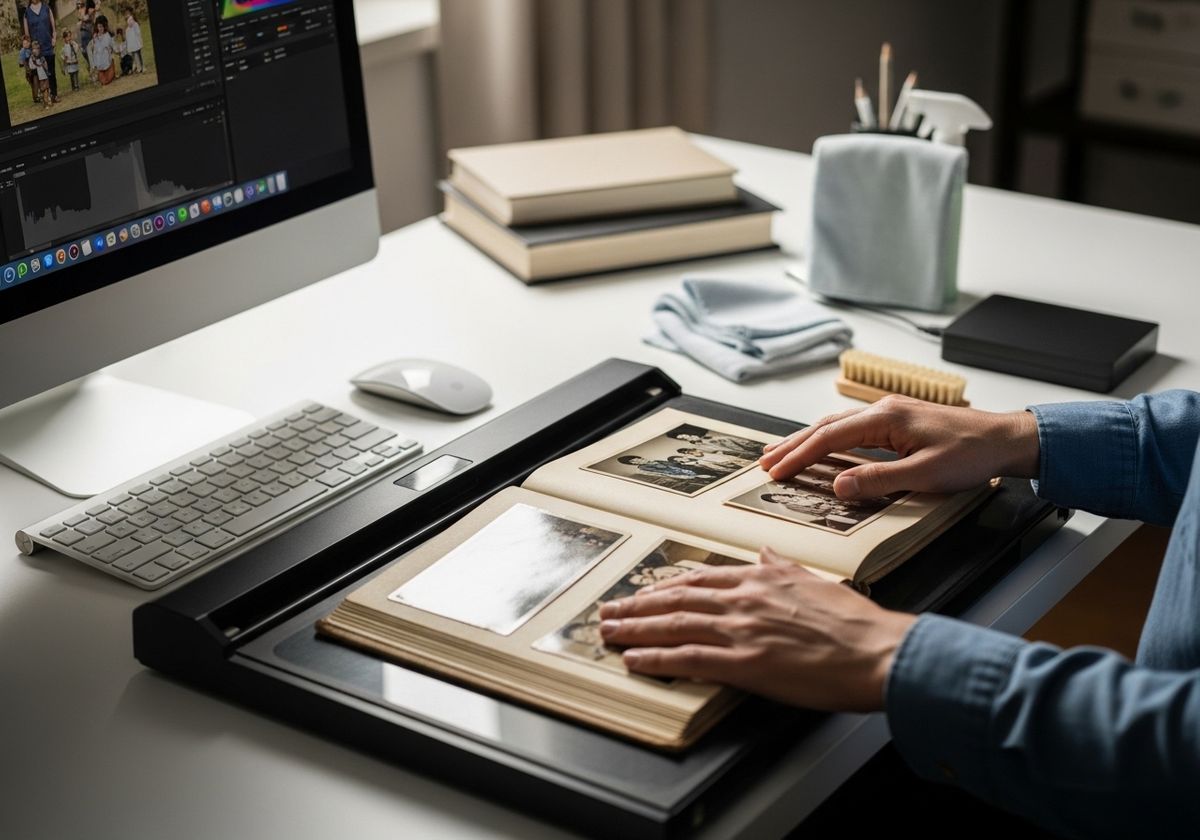
Gathering Your Materials
Before you begin, assemble everything you'll need:
Old Photo Albums: Handle these with care to avoid further damage.
A Scanner: A flatbed scanner is ideal for photos, offering high resolution and gentle handling. Alternatively, consider using a smartphone with a scanning app.
A Computer: You'll need a computer with sufficient storage space and photo editing software.
Cleaning Supplies: A soft, lint-free cloth and a gentle brush will help remove dust and debris from your photos.
Storage Devices: An external hard drive or cloud storage account will provide ample space for your digitized images.
The Scanning Process
Prepare Your Photos: Gently clean each photo to remove any dust or dirt. Be careful not to scratch or damage the surfaces.
Choose Your Scanning Settings: Select a high resolution (300-600 DPI) for optimal quality. Choose color or black and white depending on the original photo.
Scan Your Photos: Place each photo on the scanner bed and scan. If using a smartphone app, follow the app's instructions for capturing the image.
Review and Crop: After scanning, review each image for clarity and accuracy. Crop out any excess background or borders.

Organizing and Preserving Your Digital Collection
File Naming: Create a consistent naming convention for your files. Include dates, names, and events to make searching easier.
Folder Structure: Organize your photos into folders by year, event, or person. This will help you navigate your collection more efficiently.
Backup Your Files: Store your digitized photos on multiple devices and in the cloud to prevent data loss.
Consider Metadata: Add metadata (keywords, descriptions, and tags) to your photos to make them even easier to search and organize.
Creating a Modern Memorial
Once your photos are digitized, you can incorporate them into a modern memorial:
Online Memorial Pages: Create a dedicated webpage or online memorial where family and friends can view photos, share memories, and leave tributes.
Video Montages: Compile your digitized photos into a touching video montage, set to music and shared with loved ones.
Printed Memorial Albums: Design a custom photo album using your digitized images, creating a beautiful keepsake for family members.
QR Code Memorials: Link a QR code to a digital memorial page, allowing visitors to access photos and memories with a simple scan.
Digitizing old photo albums is a powerful way to preserve family history and create lasting memorials. By following these steps, you can transform fading memories into a vibrant tribute that honors the lives of loved ones for generations to come. At Embracing the Memories, Inc., we understand the importance of preserving these precious moments. Our QR plaques offer a unique way to link physical memorials to online tributes, ensuring that your loved one's legacy endures. Explore our range of options and contact us today to learn more about creating a lasting memorial. Honoring legacies through technology.